

Running a fleet of coding agents without losing your mind
A few months ago I hit a wall that I suspect a lot of people are about to hit.
I’d gotten good at running coding agents (Claude Code, in my case). So good that
one agent was no longer enough. I’d kick off a refactor in one terminal, a test-writing pass in another,
a PR review in a third. Then a fourth. Then I’d cmd+tab into a window and have
no idea which task it was, whether it was working or quietly waiting for me to
approve a db:migrate, how much context it had burned, or what it had cost me.
I was spending more energy managing the agents than the agents were saving me. The thing that was supposed to give me leverage had turned into a second job: human tmux scheduler.
So I built warden — a single Go binary that runs a fleet of coding agents and gives you exactly one place to see all of them. It started Claude-only; it now drives multiple agent backends, Claude Code being the default.
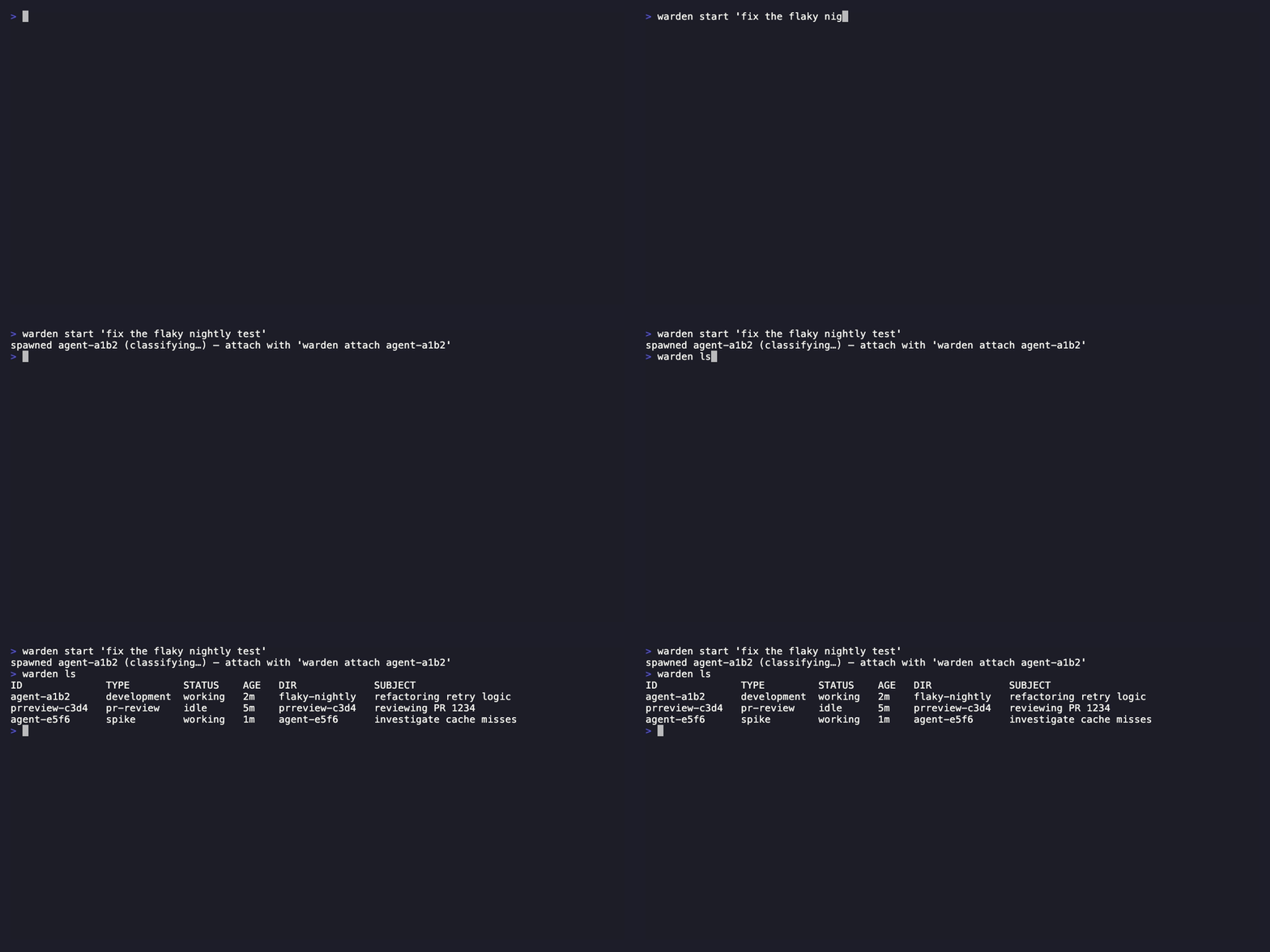
The core idea: agents are cattle, not pets
Section titled “The core idea: agents are cattle, not pets”The mental shift that made everything click was treating agent sessions as disposable, observable units of work — not precious terminal windows I had to babysit one at a time.
In warden, you spawn an agent against a task and walk away:
warden start "review the auth module for security issues"Every write-type agent gets its own isolated git worktree by default, so I can have three agents editing the same repo in parallel and they never collide on the same tree. That one decision removed a whole category of “wait, who touched this file?” panic.
Then I watch the whole fleet from a cockpit instead of from eight terminals.
The cockpit: eight agents, one screen
Section titled “The cockpit: eight agents, one screen”warden tui is a tmux-composited cockpit — the agents list grouped by
directory, an Approvals row for anything blocked on me, a shell, and the
selected agent’s live session in a full-height pane. I drive the entire fleet
without leaving it.

If I’m not at my terminal, the same fleet is a self-hosted web dashboard — Fleet summary, grouped agents, and a Metrics tab with per-agent and fleet-total CPU/memory:
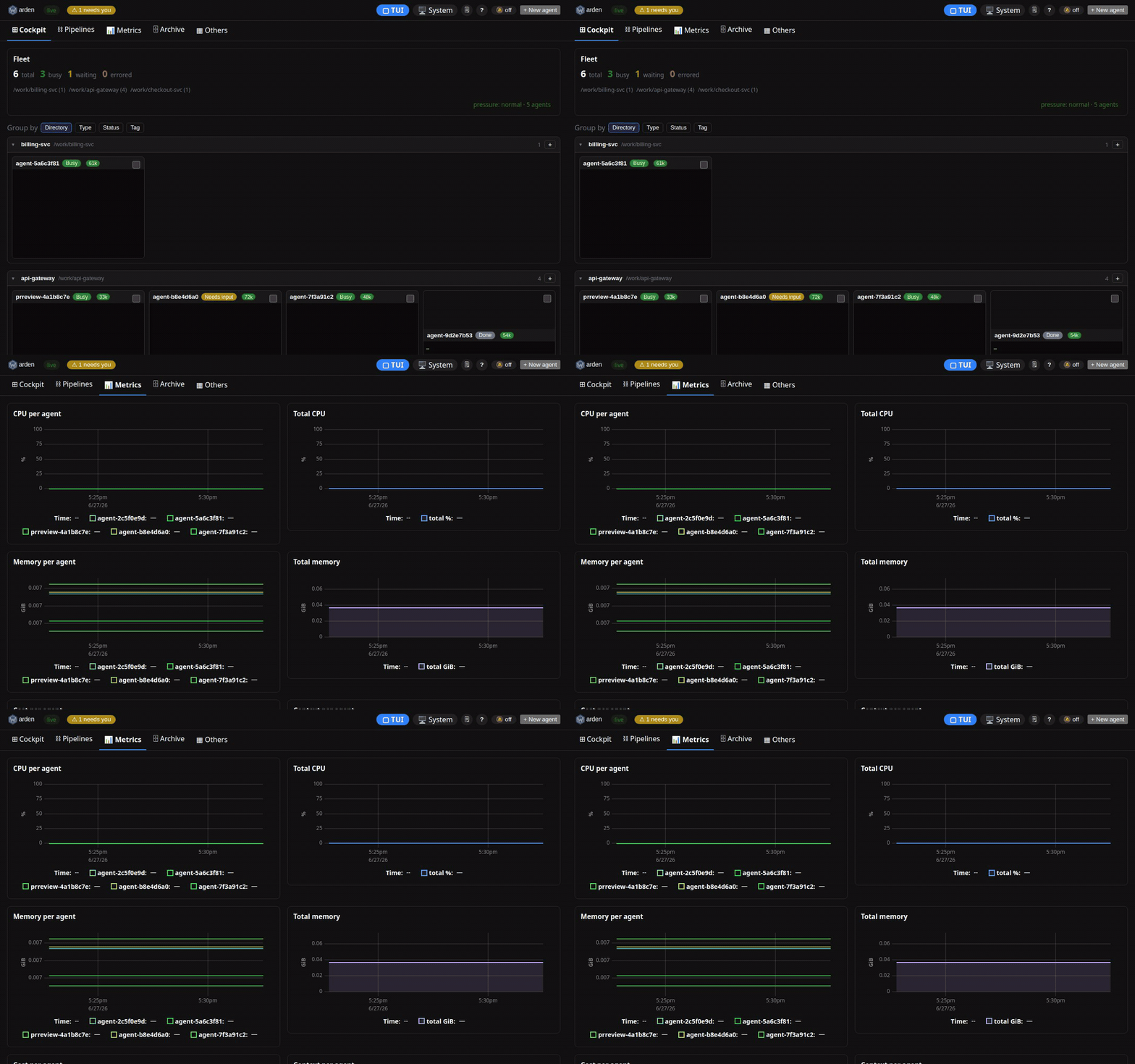
No SaaS, no login, no telemetry. It’s a loopback REST API and an embedded
file-backed store on disk. Runs on my laptop or a box I SSH into. By default nothing leaves the
machine — the only outbound traffic is what you opt into (webhook/Slack alerts,
remote access, or --calibrate).
The part I didn’t expect to care about: knowing what it costs
Section titled “The part I didn’t expect to care about: knowing what it costs”When you run one agent, cost is abstract. When you run a fleet, it’s a line
item. warden spend prices each agent’s real model usage into dollars and
gives me a budget gate, so a runaway agent doesn’t quietly run up a bill while
I’m in a meeting. (Dollar pricing covers the Claude backend today; bring-your-own-model
backends report tokens.)
The flip side is warden savings — an append-only ledger of the tokens warden
keeps out of agents’ context (the lifecycle plumbing that would otherwise
bloat every prompt), with a without-vs-with A/B benchmark. It turns “this feels
more efficient” into a number I can actually point at.
An agent can drive the whole fleet
Section titled “An agent can drive the whole fleet”This is the part that surprised people I showed it to. warden mcp exposes the
whole fleet as MCP tools. So an orchestrator agent session can spawn agents,
query their status, and talk to a specific running agent — one agent managing a
team of agents (a Claude session managing Claudes, say), with warden as the
substrate. You’re not limited to driving it by hand.
Why one binary, no database
Section titled “Why one binary, no database”Every design decision bent toward “you should be able to try this in 60 seconds and trust it with your repos”:
- One Go binary (
warden, aliasedwd). No runtime, no containers required. - A local daemon as the single writer to an embedded, file-backed store. No Postgres, no Redis, no cloud account — no database server at all.
- Self-hosted and free, Apache-2.0. It’s your machine and your data.
go install github.com/srjn45/warden/cmd/warden@latestwarden setup --yes # install missing deps (tmux, claude, …)warden tutorial # guided tour: spawn → watch → commit → tear downwarden start "your first task here"warden tui # open the cockpitWhere it’s going
Section titled “Where it’s going”warden is open source and I’m building it in the open. If you’re running more than one coding agent at a time — or you’re about to — I’d love for you to try it and tell me where it falls short.
- Repo: https://github.com/srjn45/warden
- Docs & guide: the rest of this site
If you’ve felt that same “I have too many agents and no cockpit” feeling, this was built for exactly that.